Prerequisites
- Rust toolchain (stable)
- A crate with ratatui widgets
Install
cargo pantry subcommand to your toolchain.
Initialize
From your widget crate root:- Adds
tui-pantryas an optional dependency (cargo add tui-pantry --optional) - Creates
pantry.tomlwith default config - Scaffolds
examples/widget_preview/with sample Widgets, Panes, and Views ingredients - Prints next steps for wiring your own widgets
Launch
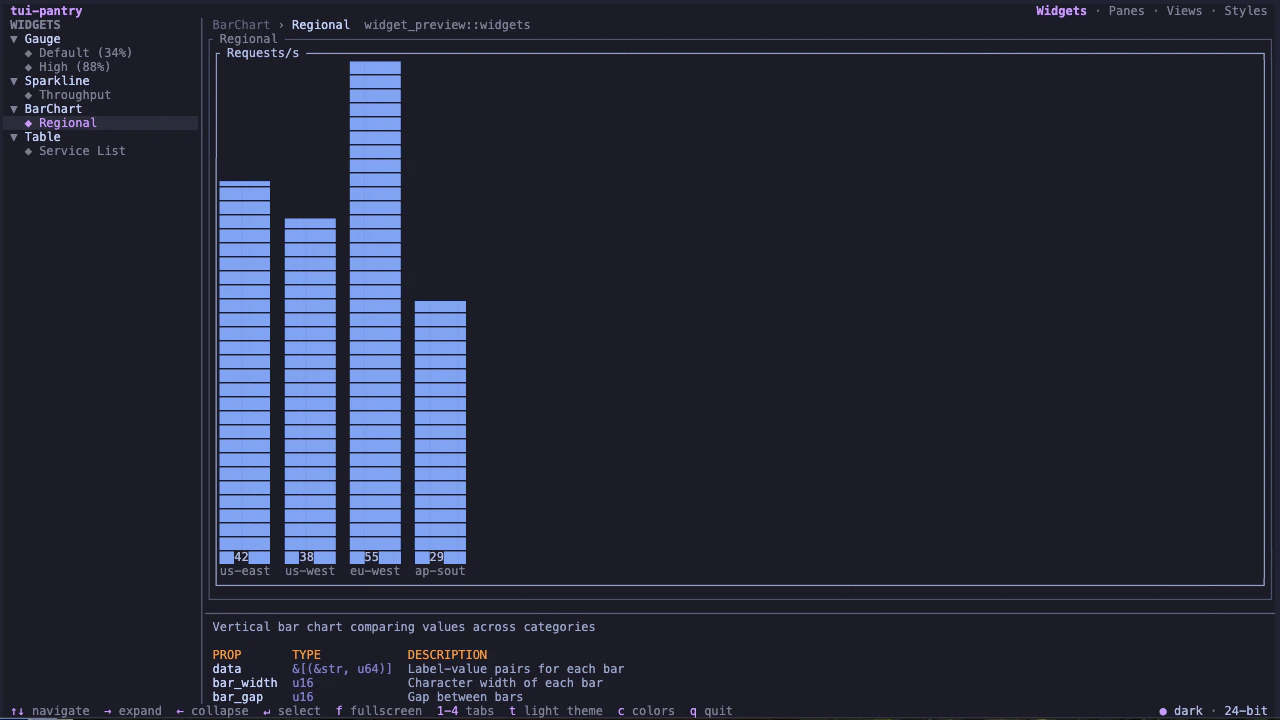
j/k or arrow keys, switch tabs with 1 to 4, and press q to quit.